
Manage your account
Everything sits in one place, in your profile: your details, your security, your subscription, and account deletion if you decide to.
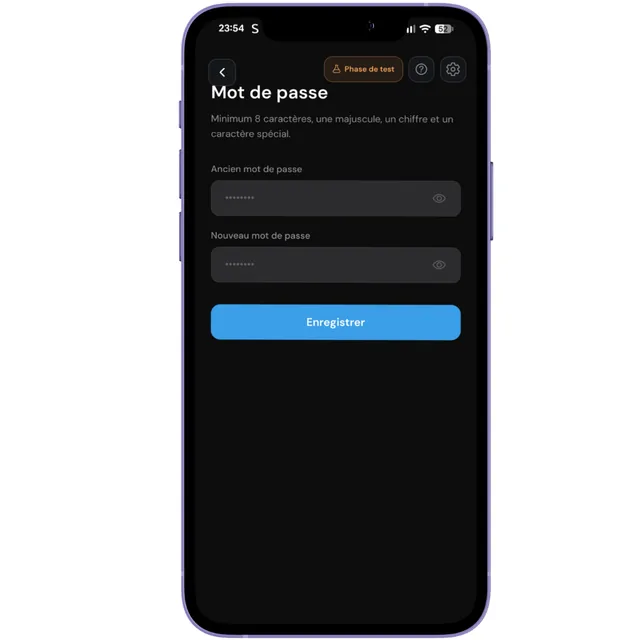
Change your password
Your password protects access to your customer list, with their first names and phone numbers. That is not trivial: treat it like your bank password.
If you have forgotten it, the reset goes through an email sent to your verified address.
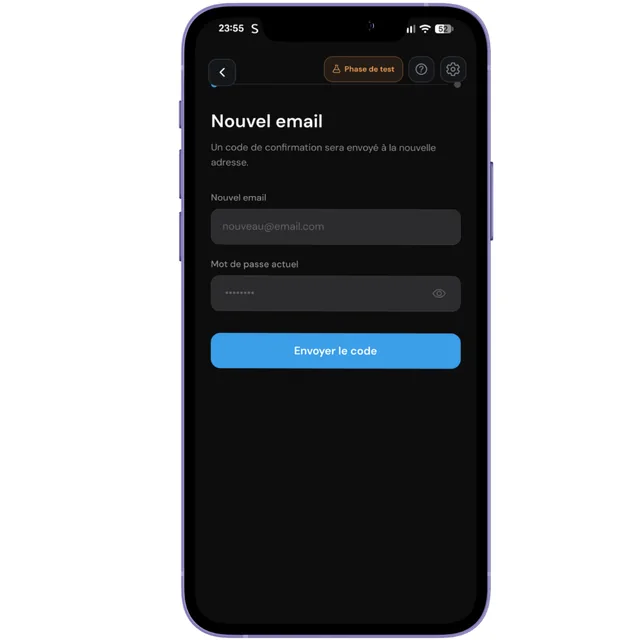
Change your email address
The change requires confirmation on the new address. Until you follow the link received, the old one stays active.
Manage your subscription
Move to the Solo or Pro plan, switch between the two, or cancel. Cancellation takes effect at the end of the period you already paid for: you keep access until then, and your account returns to the free plan.
If you are still in your free trial month, this section shows a badge stating so, with the number of days left.
Your programs and customers are not deleted. You simply return to the free plan limits, notably a single program type.
Delete your account
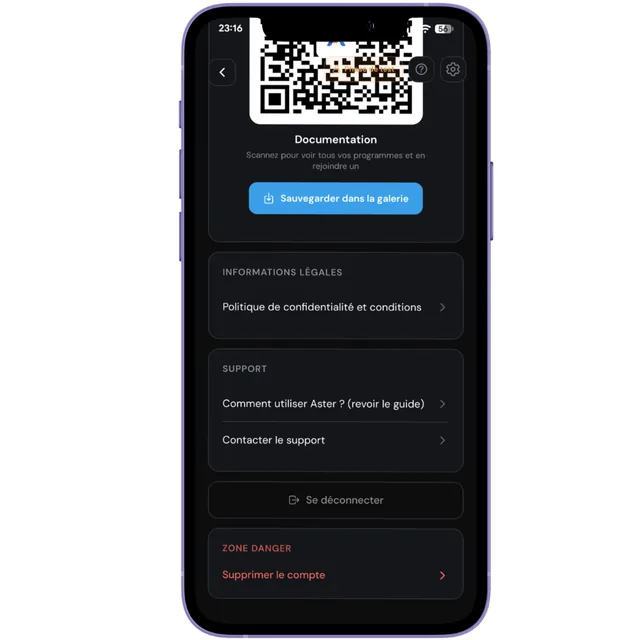
Deletion is available directly from your profile, with no need to write to us and no need to justify yourself. It is your right, and we do not bury it at the bottom of the terms of service.
It erases your account, your programs and your customers' cards. This cannot be undone. If you are hesitating, simply cancel your subscription: you return to the free plan and keep everything.
What can go wrong
Your card has expired or was declined. Update your payment method from the subscription section. Your data stays untouched in the meantime.
Use the password reset, which sends a link to your verified address. If you no longer have access to that address, write to support@joinaster.app.